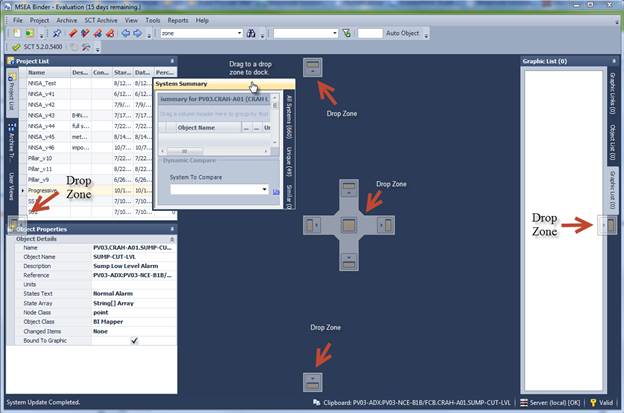
All of the tabs and windows in the application can be moved and re-docked or floated. Just drag any window or tab and the UI will show docking zone hints around the edges and in the center. Drop the window in any one of these zone do dock.
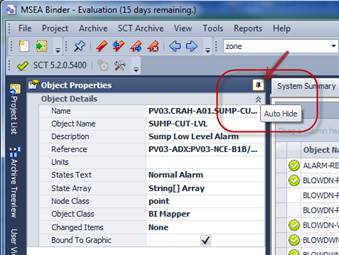
In addition, each of the tab windows can be auto-hidden or docked open by toggling the pushpin symbol in the top right corner of a window. Auto-hidden tabs will retract the window to save space when you are not using the window.