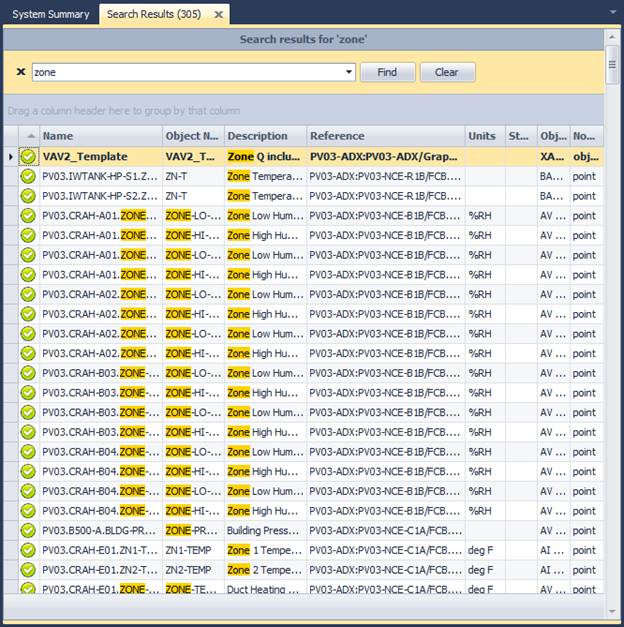
Enter the text to search for in the quick search toolbar. Any occurrences of the text string in the object reference, name or description will show up in the search results list.
Note: Entering an empty string and hitting search will return ALL points in the search results.
Clicking on the search results will find the selected node on the archive tree view.