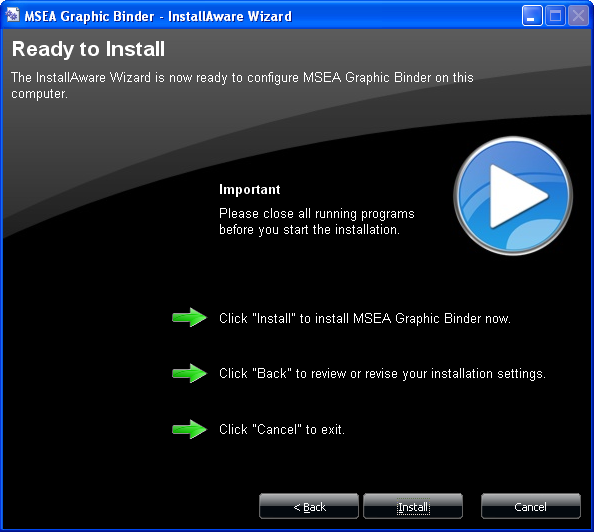
Click next to install the application.
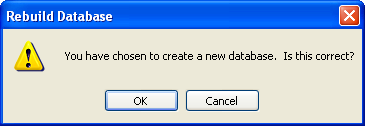
If you have chosen to install a database, you will get this dialog to confirm that selection.
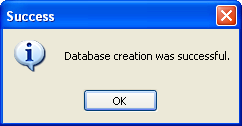
After the database is installed you should get a confirmation message that it was a success or failure. If a failure occurs, you will need to manually run the SQL installation script provided in the application directory under the “Create Scripts” folder.